
Ergonomics for a Small Office Where Two People Share One Desk
Picture a small office where a receptionist works mornings and a bookkeeper takes over the same desk each afternoon. The chair is set to one height, the monitor sits at a fixed angle and the keyboard tray never quite matches either person. Shared workstations are common in small firms, yet they rarely get the same attention as a full office setup.
This article offers general workplace guidance for owners and managers who want a fair, comfortable arrangement. It does not provide medical advice. Anyone with ongoing pain, numbness or a diagnosed condition should speak with a qualified health professional, and an occupational therapist can help when the situation is complex.
Map the shared desk schedule first
Start by writing down who uses the desk, when they use it and for how long. Note any tasks that need different equipment, such as a scanner, a phone headset or a tall surface for reviewing paper files. A simple weekly grid makes the overlap visible and helps you spot any gaps in access. Readers may also want to visit Where the young learn to fly.
Once the schedule is clear, look for natural handoff points. A shared desk works better when each person knows exactly what they will leave behind, such as a clean keyboard, a stored chair position or a closed file drawer. Share the grid with staff and invite them to suggest changes.
Set the chair and screen for each user
Adjustable chairs help only when each person changes the settings before they sit down. Post a small reference card near the chair showing the height, the backrest angle and the armrest position. Staff can then reset the chair in seconds rather than guessing.
Place the monitor so the top of the screen sits near eye level and about an arm’s length away. A laptop on a stand usually needs an external keyboard and mouse to keep the wrists in a relaxed position. You can also visit lpqueen.com for more reading.
Plan breaks and movement into the day
Long periods at one desk are tiring for almost everyone, whatever the chair looks like. Build short movement breaks into the schedule, such as a two minute walk to fetch the mail or a standing task halfway through the morning. These breaks are easiest to keep when they are part of the routine rather than an extra request.
For a related read on this site, see Choosing a Storefront Space That Fits a Growing. Some teams set a shared reminder on a wall calendar or a group chat. A small change, such as taking the phone call standing up, can also reduce time spent in one position. Review the plan once a month, and ask staff whether the breaks are helping or simply interrupting their work.
Discuss equipment without blame
Equipment problems often surface as complaints about the other person who uses the desk. Frame the talk around the setup rather than the people, and ask each user what feels hard at the end of a shift. Listen for specific details, such as glare from a window or a keyboard that sits too high.
Document the agreed changes in a shared note and set a date to review them. If a piece of equipment needs replacing, compare options and ask the supplier for a short trial period.
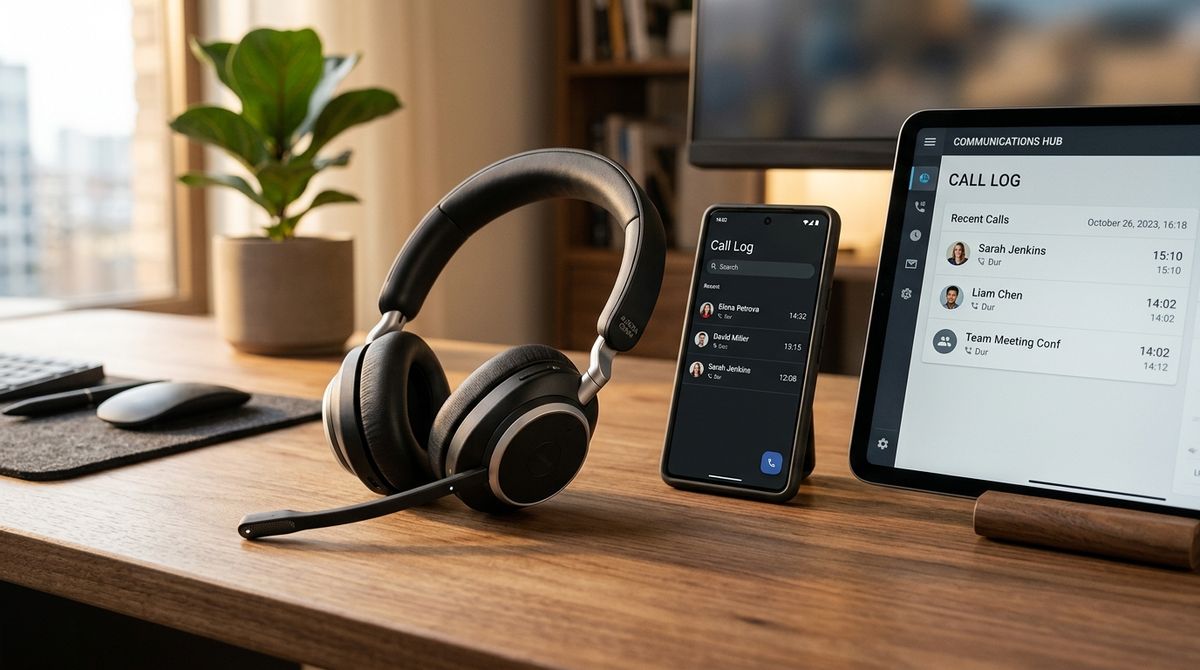
Shared desks also benefit from a short written note about any equipment that is fragile or expensive. Explain how to clean the screen and how to store a headset between uses. Put the note inside the desk drawer so it is easy to find. Clear instructions protect the equipment and reduce friction between users.
Think about lighting and noise as well. An adjustable desk lamp helps both users, even when their work hours differ. A small partition or a quiet corner for phone calls can reduce distractions. Ask each person to try the arrangement for a week before you decide whether to keep it.
Consider the handover between users as well. A short shared log can record any problems with the chair, the screen or the keyboard. Each person can write a line when they finish their shift, so the next user knows what to check. This simple habit prevents small faults from turning into long-running complaints.
A desk that suits both people
A shared desk does not need to feel like a compromise when the setup is planned with care. Map the schedule, set each chair on purpose, build in breaks and talk about the equipment openly. A few small adjustments often make the same desk work comfortably for two different people.